Enverse for real estate agents
Every listing photo,
ready to sell the home
Stage empty rooms, swap grey skies for golden hour, clear the clutter and build the marketing — by telling an AI Visual Agent what the listing needs, in one workspace.
100 free credits every month · No credit card required
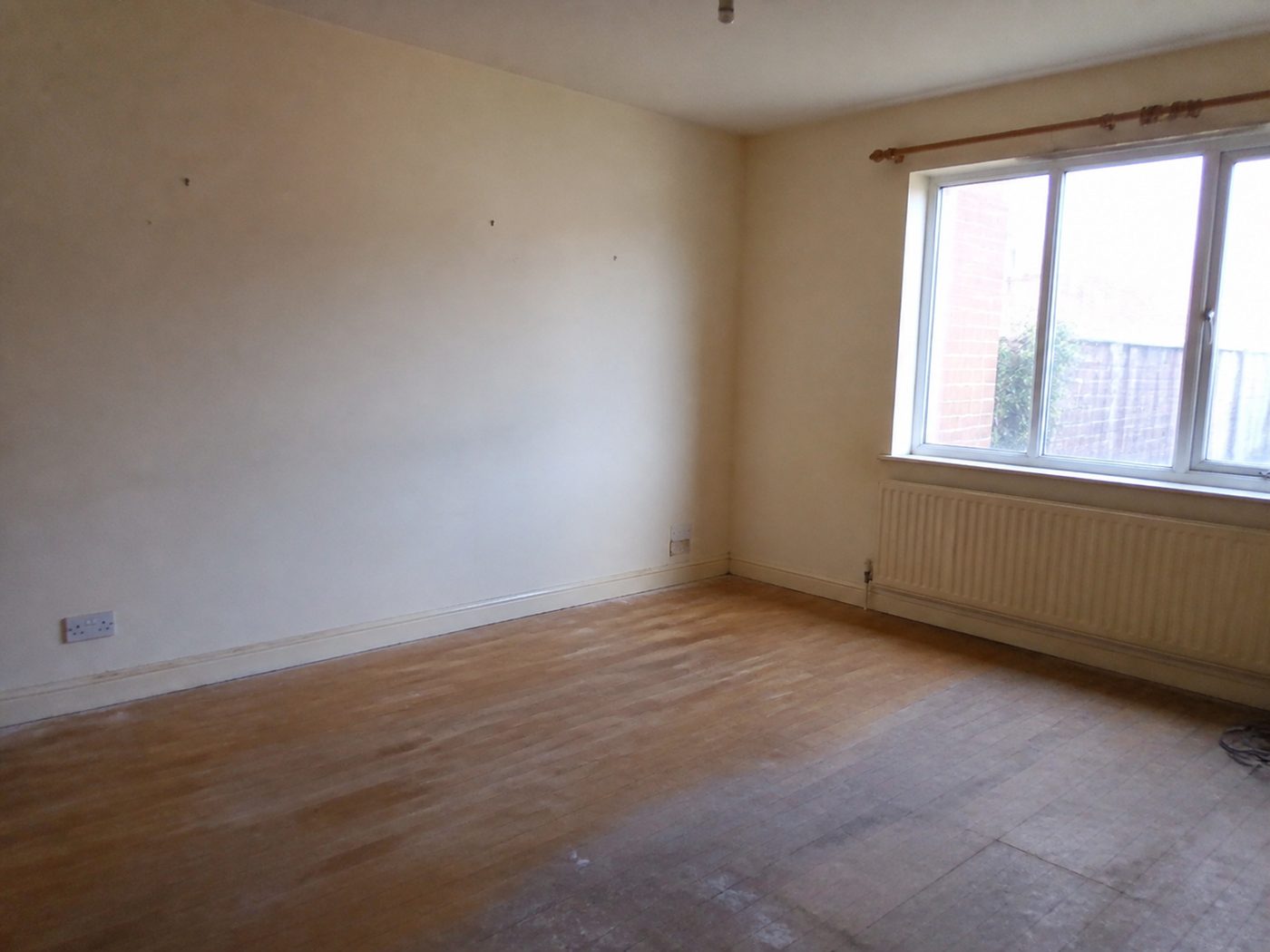 Before
 After
AfterBefore and after
The edits every listing needs
Real results from the workspace: each pair is the same photo, before and after one request to the agent.
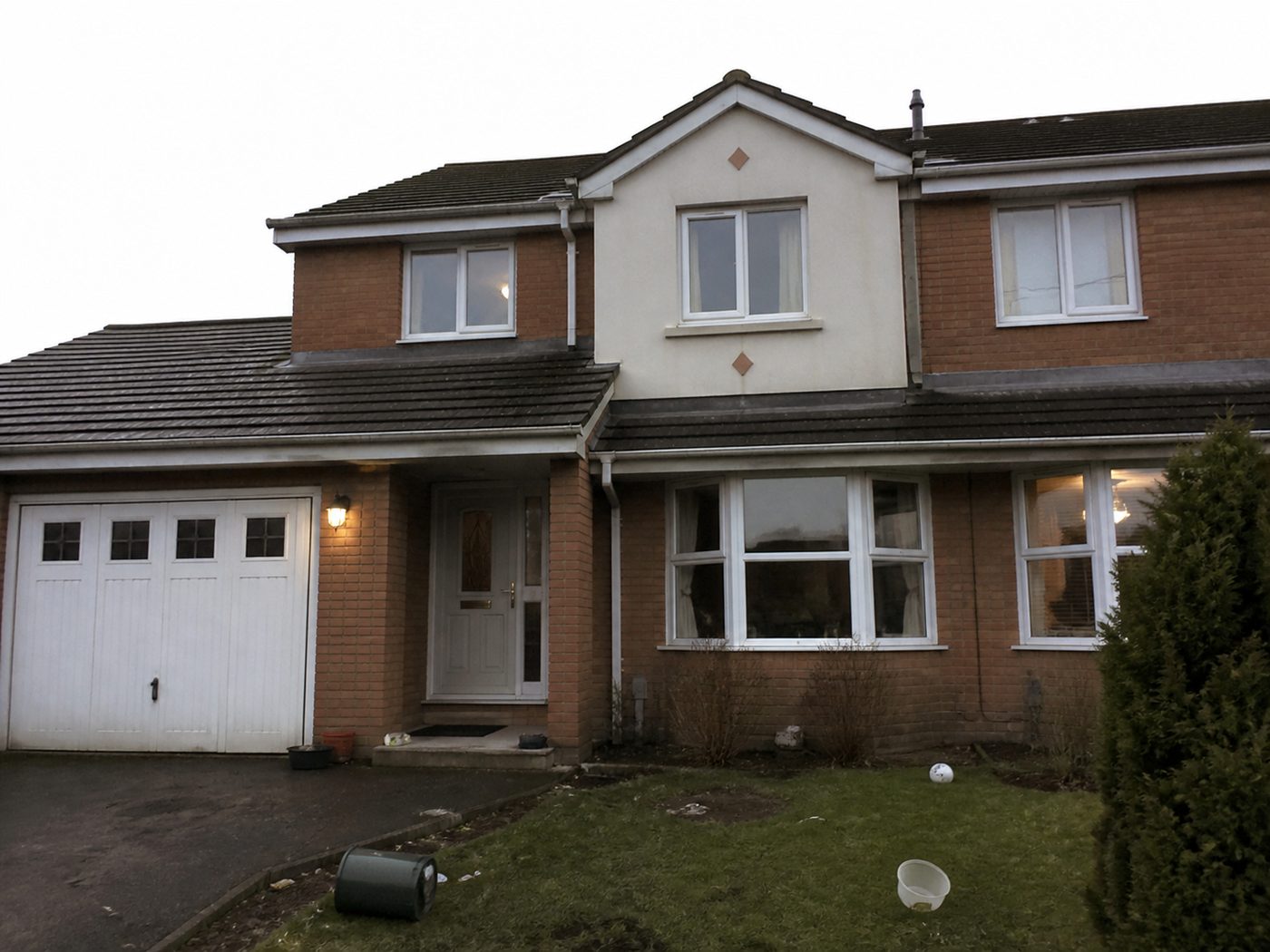 Before
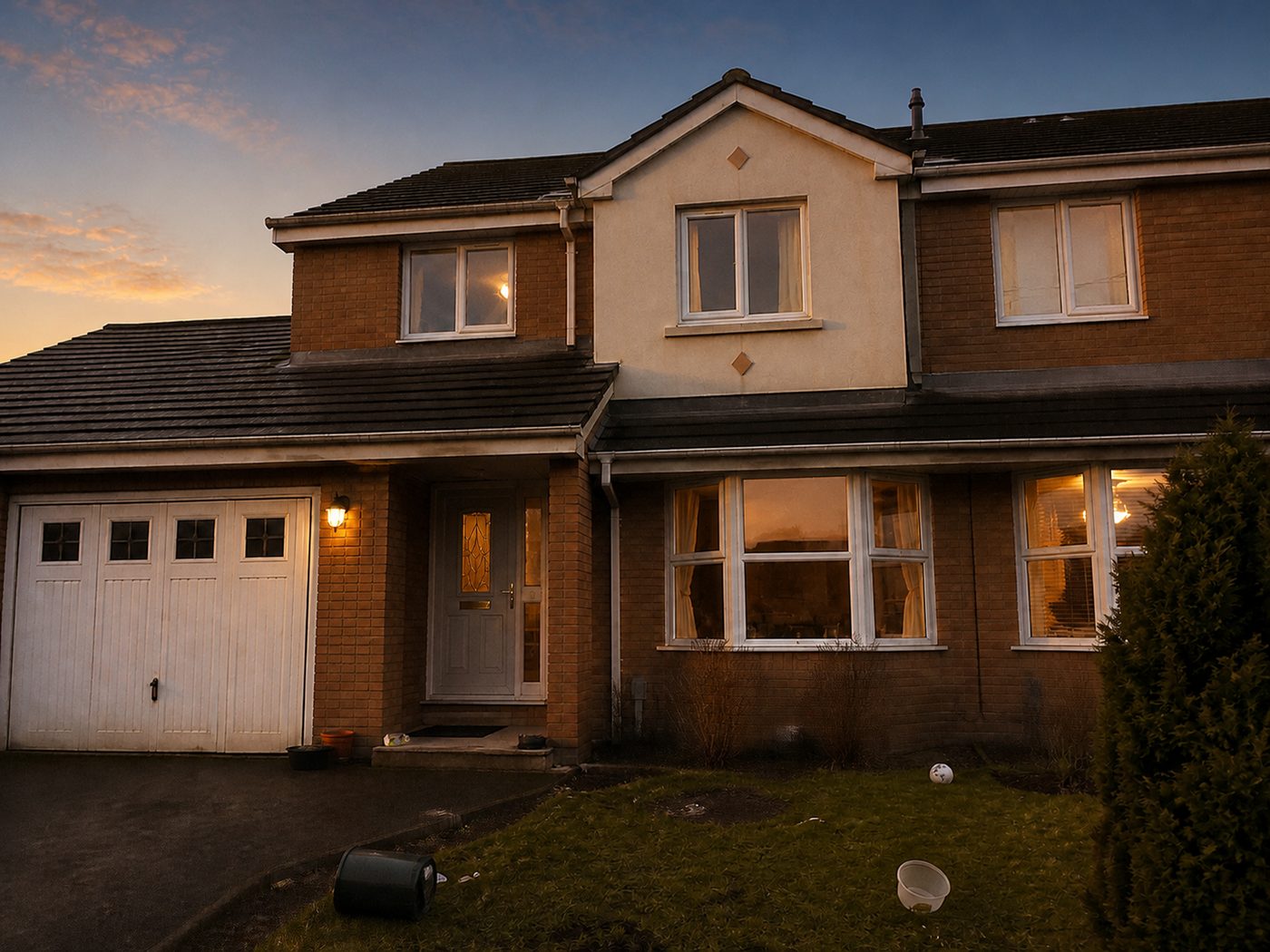 After
After Before
 After
After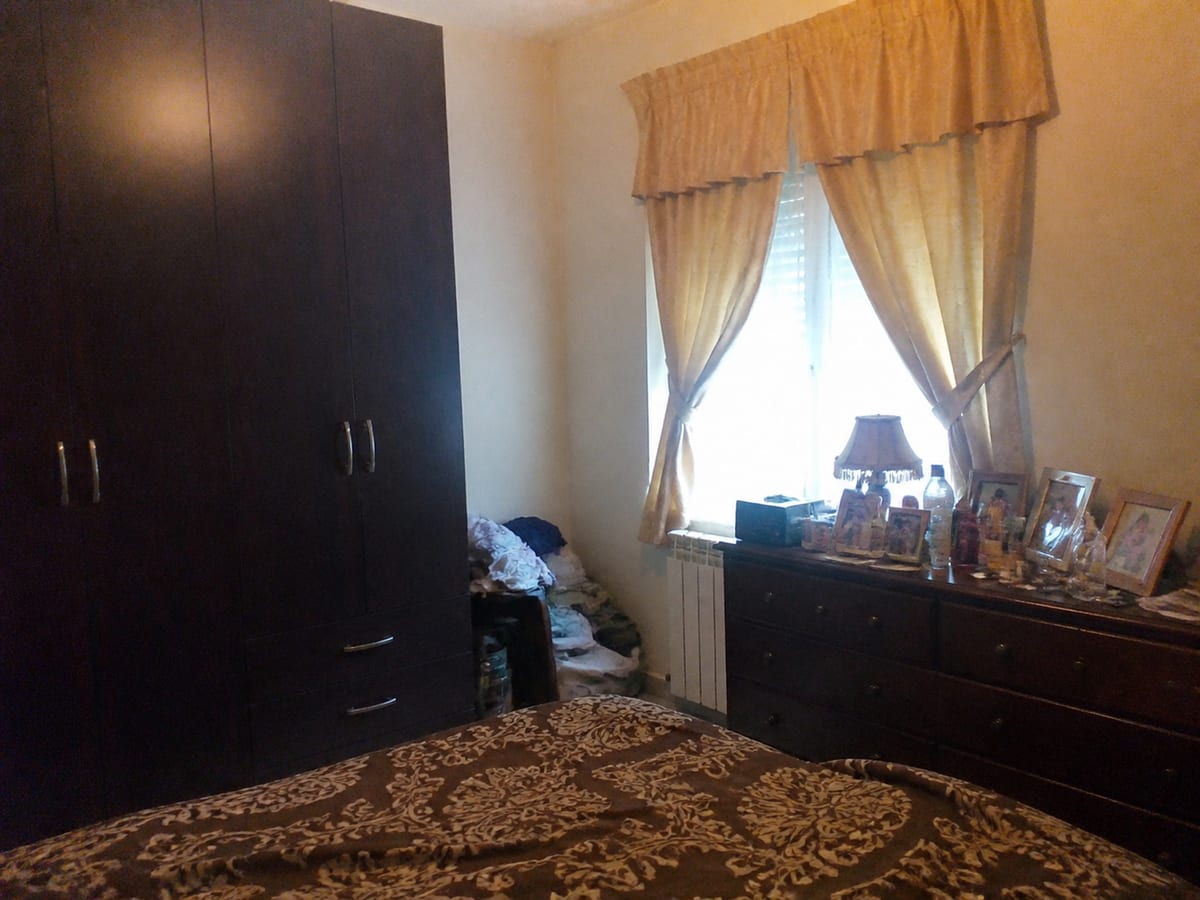 Before
 After
After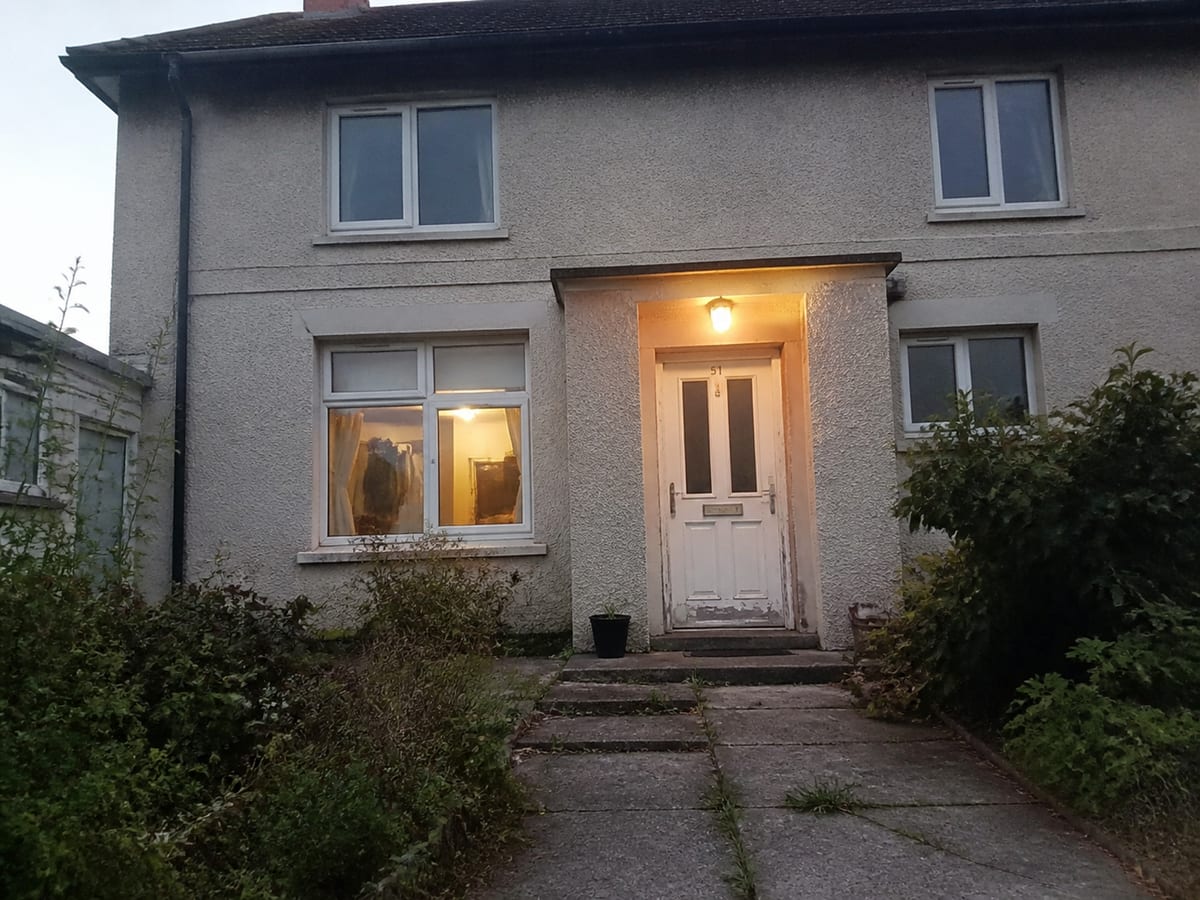 Before
 After
AfterThe listing wall
Homes staged, relit and refreshed in Enverse
Staging, twilight conversions, cleanups, restyles and the marketing built from them — all produced in the same workspace.
Virtual staging SkyboxRedesign
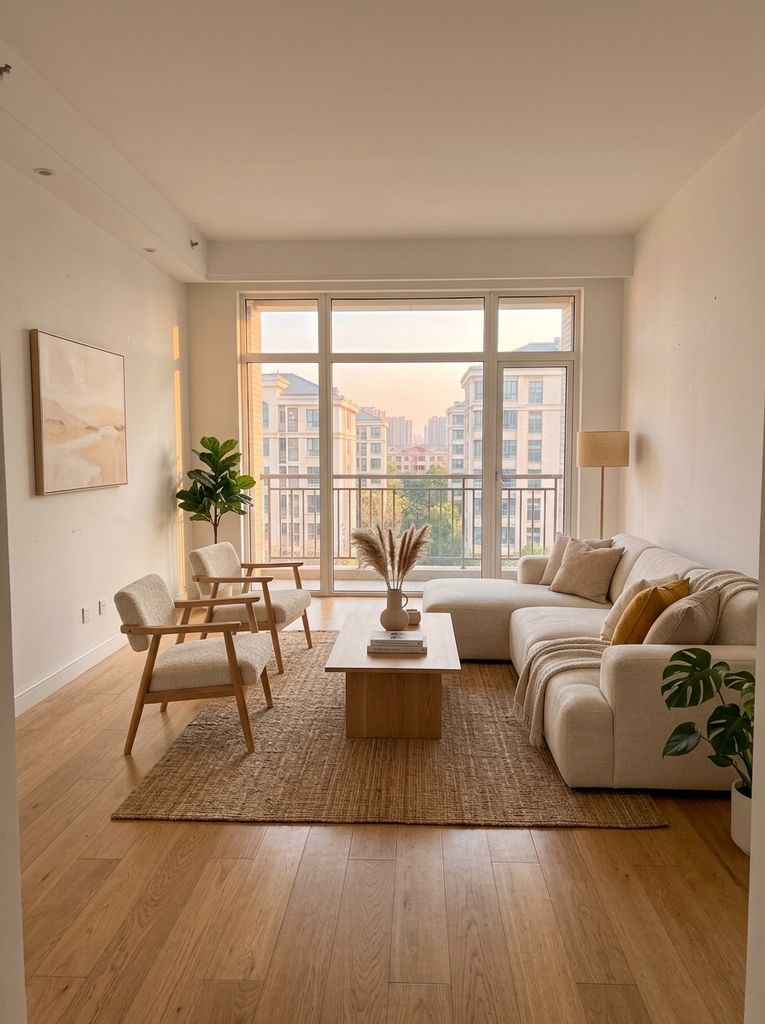 Virtual stagingSkybox
 MarketingRefresh
 Enhance
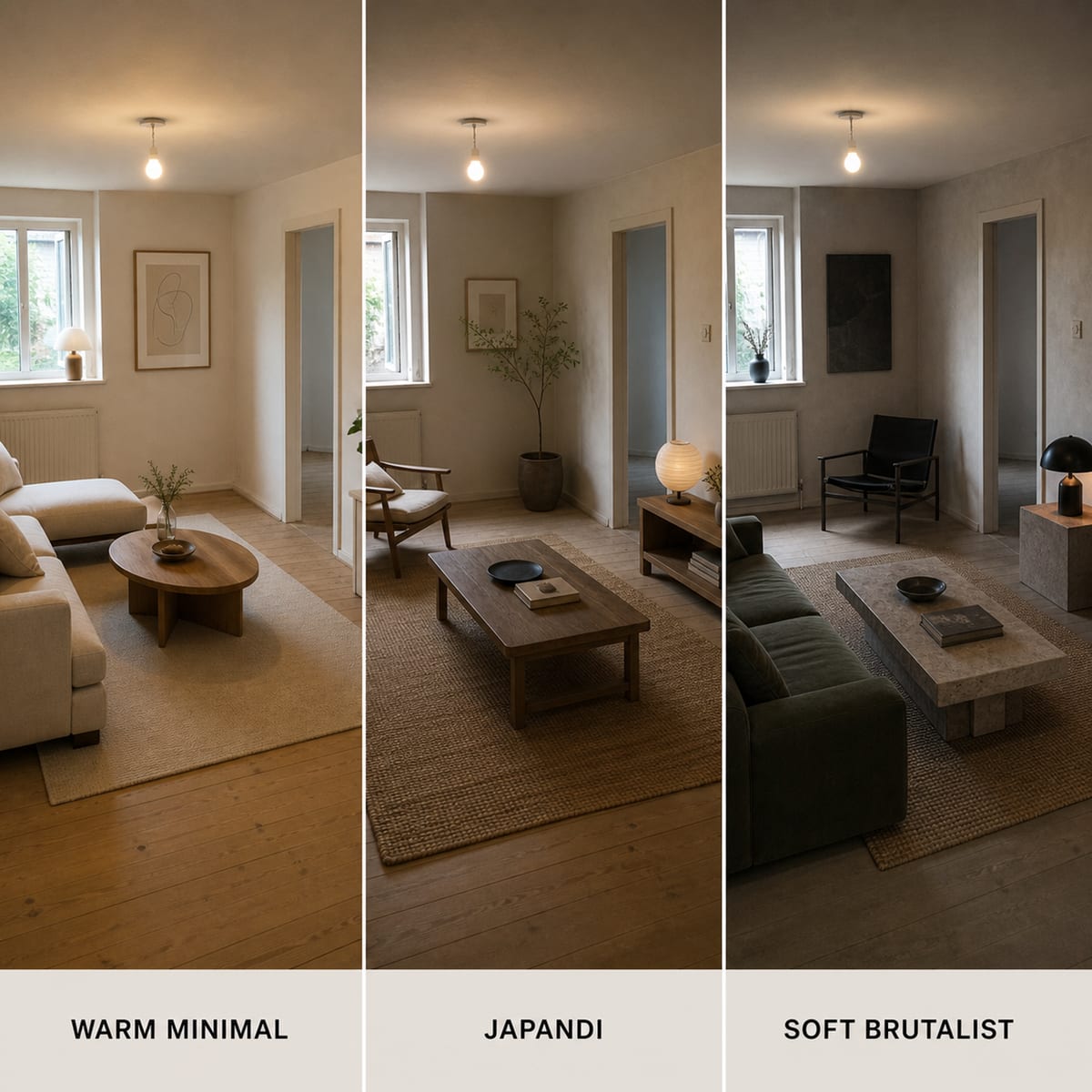 Virtual stagingExterior
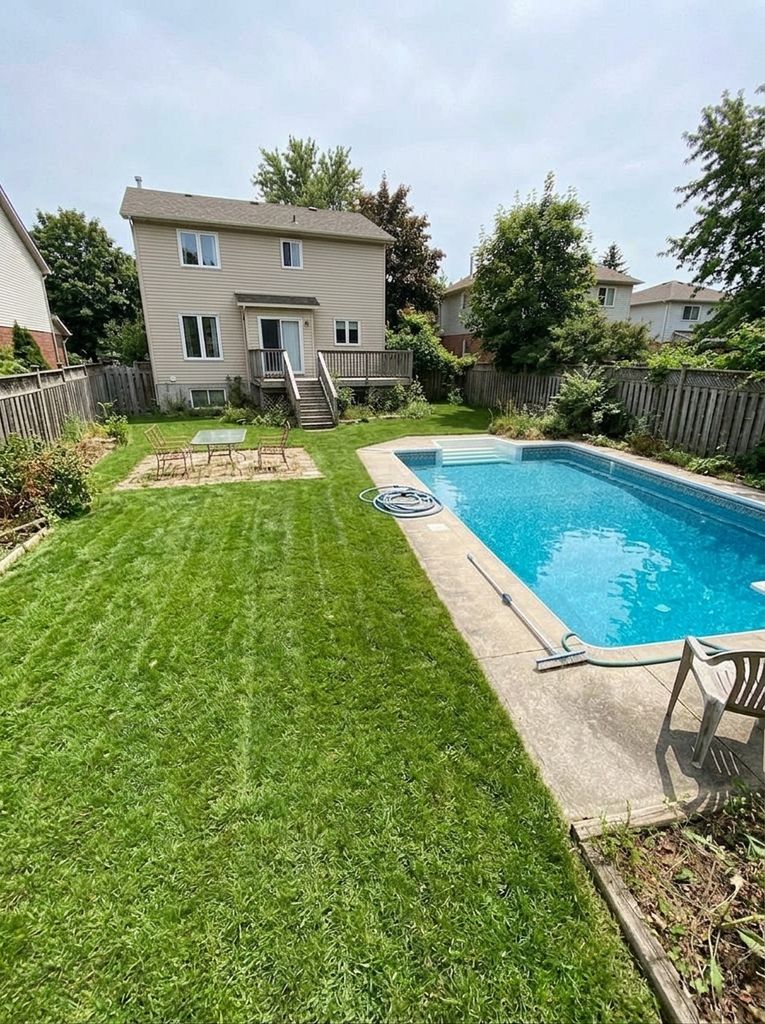 Refresh
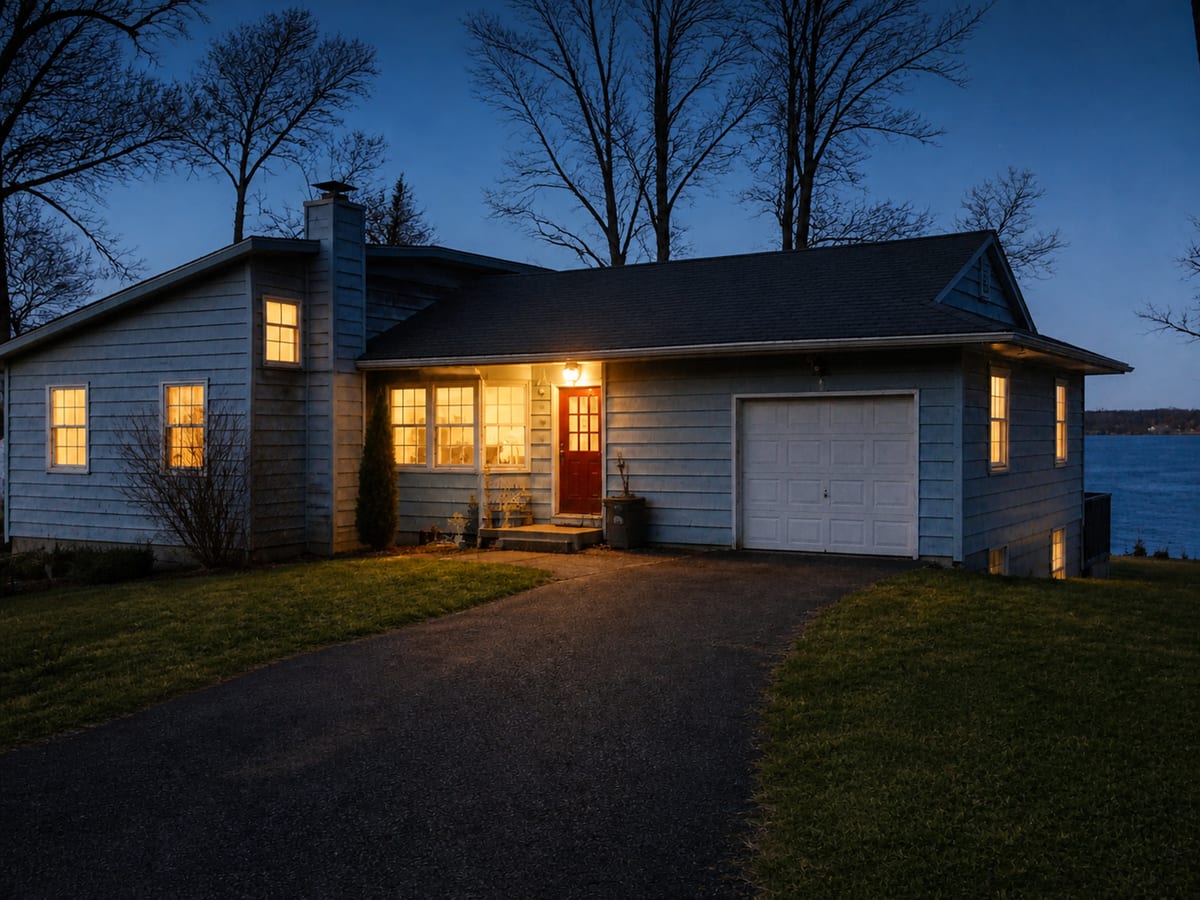 Marketing
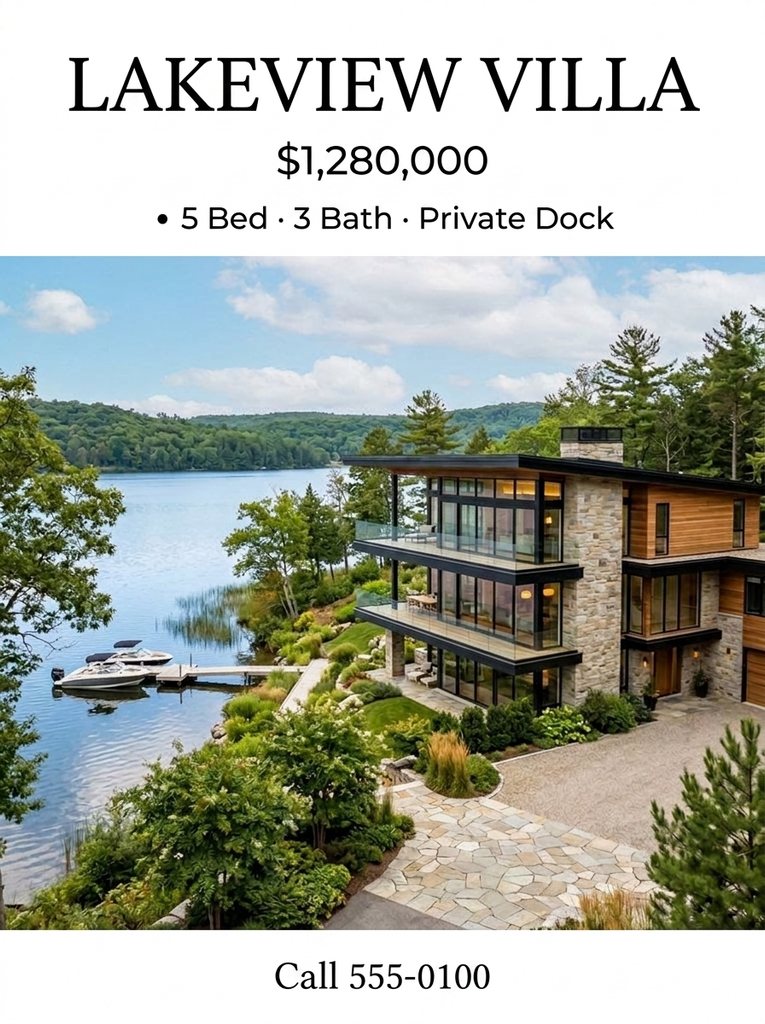 Marketing
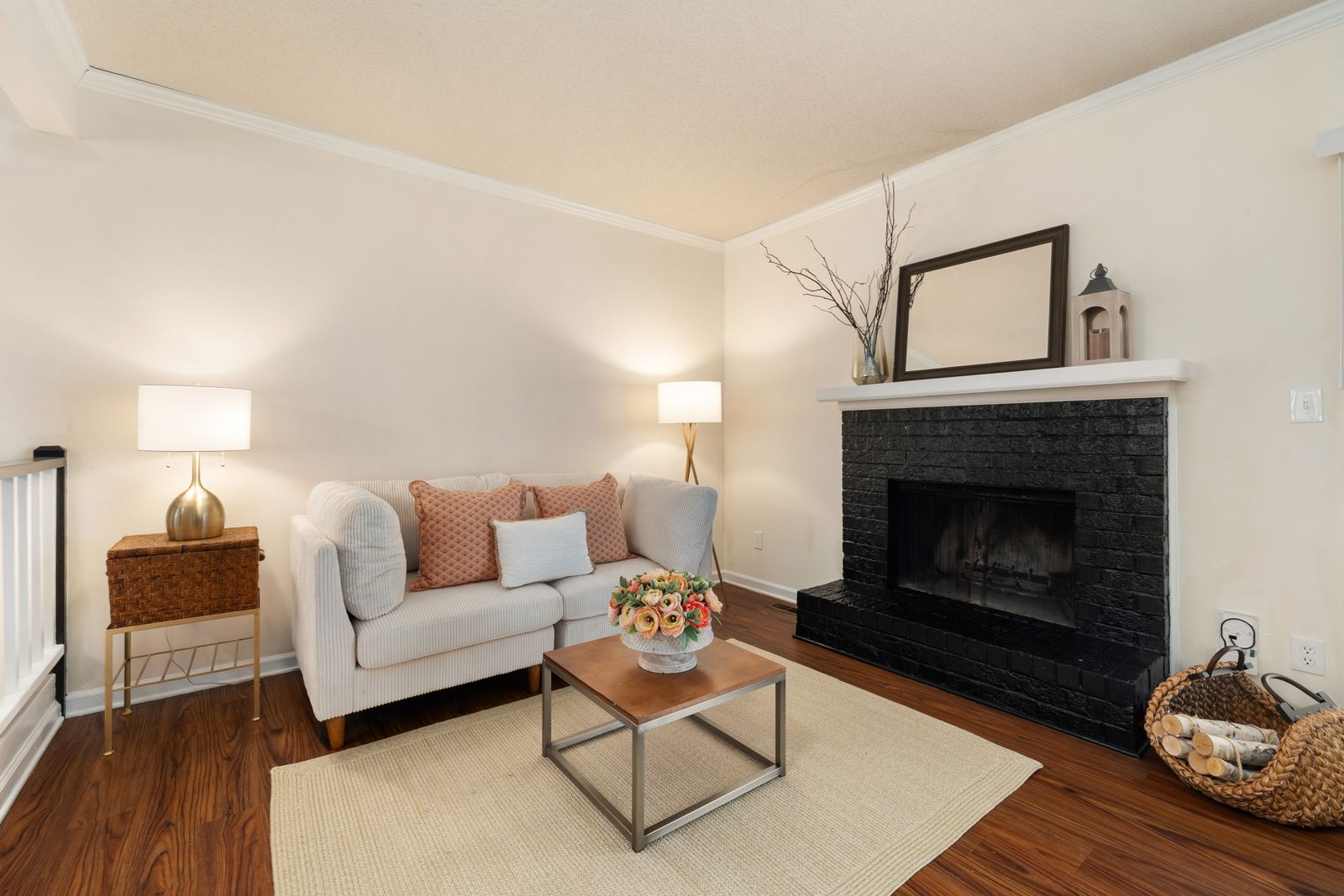 Virtual tour
 Marketing
Visual Agent
Tell it what the listing needs
One conversation covers the whole listing: enhance the photos, stage the empty rooms, fix the sky, then build the flyer. The agent plans the work before it starts and checks it after it lands.
- Batch editing — one instruction applied across the whole photo set
- A delivery brief saved before the work, an automatic delivery review after it
- One switch — Auto for everyday work, Flash for the fastest turns, Thinking for the multi-agent formation and a judge on nearly every delivery
- Web research with citations when the job needs facts, not just pixels
Marketing built in
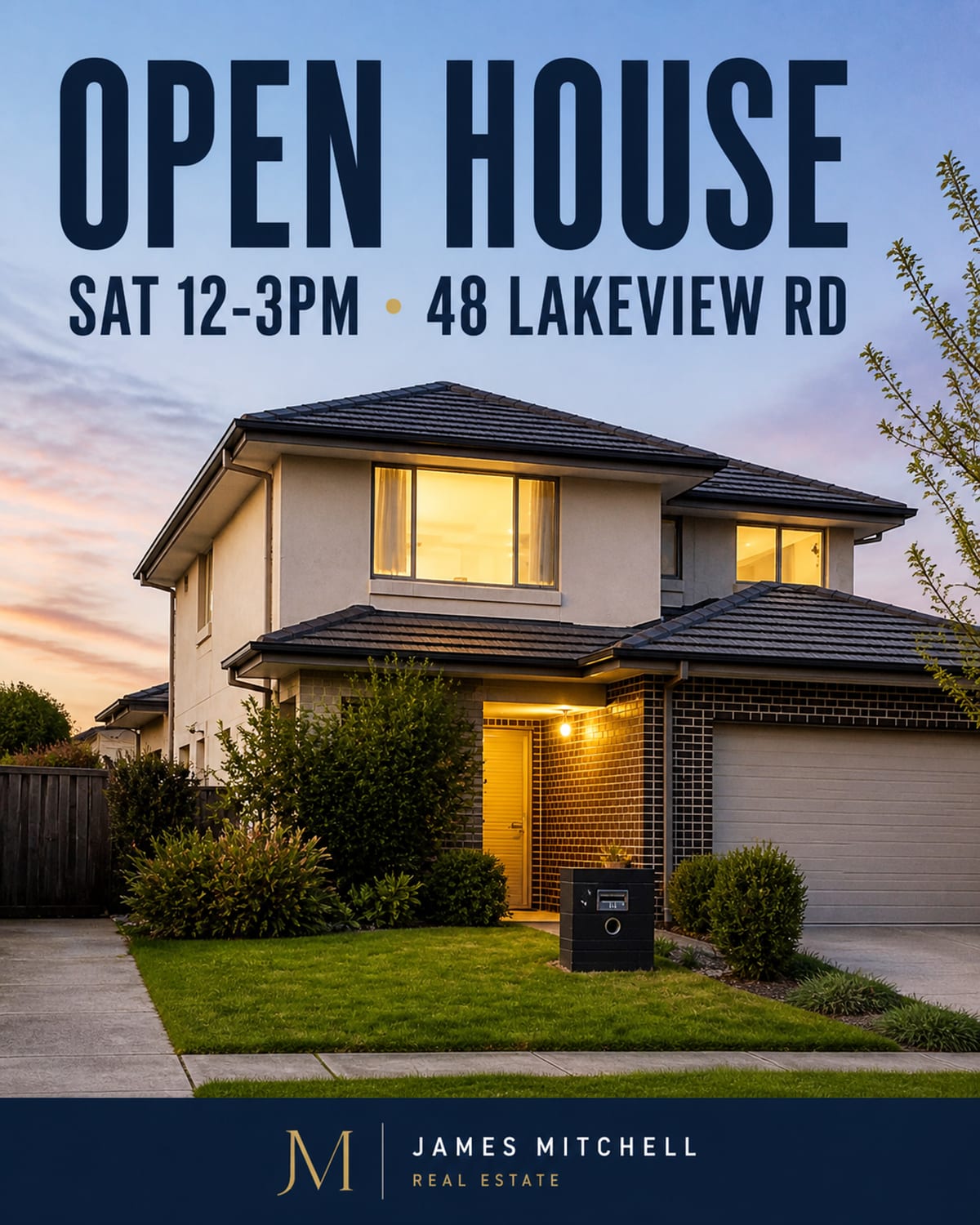
Posters that spell the address right
Open-house posters, flyers and social posts render text with pixel-level precision — the date, the address and your contact line come out exactly as written, ready to print or post.
- Poster and infographic layout with pixel-accurate text rendering
- Short videos for listings that need motion
- Content Studio turns one photo into every platform's format
Purpose-built apps
Nine apps, one workspace
When the job is routine, skip the conversation — each app does one listing chore well.
- Polish photo
- Stage room
- Relight exterior
- Clean up scene
- Build walkthrough
- Relight drone video
- Swap finishes
- Merge exposures
- Draw floor plan
- Create presenter
Frequently asked questions
What is Enverse Canvas?
Enverse Canvas is a branding AI workstation for visual marketing: an infinite canvas with a Visual Agent that already knows a project's look, its rules and its assets, so what comes back is on brand. Listings are one of the scenes it is used for. You describe what a listing needs — staging, sky swaps, cleanups, marketing material — and the agent does the work on your photos in one place.
Can Enverse virtually stage an empty listing?
Yes. Virtual Staging is one of the built-in apps: it furnishes empty rooms while keeping the architecture as photographed. Alongside it sit Skybox (skies, weather, twilight), Refresh (lawn and pool cleanup), Declutter, Pro Shot photo enhancement, Showroom, HDR, Virtual Tour and Content Studio.
What makes the Visual Agent different from a photo editor?
You work in conversation instead of tools and sliders. The agent handles photo enhancement, virtual staging, image generation and editing, batch edits across many photos from a single instruction, web research with citations, poster and infographic layout with pixel-accurate text, and short videos. Before delivering it saves a delivery brief, and after delivering it runs an automatic delivery review of its own work.
Can it edit a whole set of listing photos at once?
Yes. Batch editing is built into the Visual Agent: give one instruction — for example a consistent look across the shoot — and it applies the edit to every photo in the set.
How much does Enverse cost?
Basic is $0 with 100 credits per month. Paid plans are Plus at $20 for 1,500 credits, Pro at $100 for 9,000, Max at $200 for 20,000, and Ultra at $1,000 for 100,000, with top-up packs from $5 to $1,000. Credits from failed generations are refunded automatically.
Do I need a credit card to try it?
No. Signing up is free and asks for no card, and the free Basic plan includes 100 credits every month.