Listing marketing
The photos are done.
Now ship the marketing.
Open-house posters, social sets, flyers and presenter videos — built from your listing photos in one conversation, with every word rendered exactly as written.
100 free credits every month · No credit card required
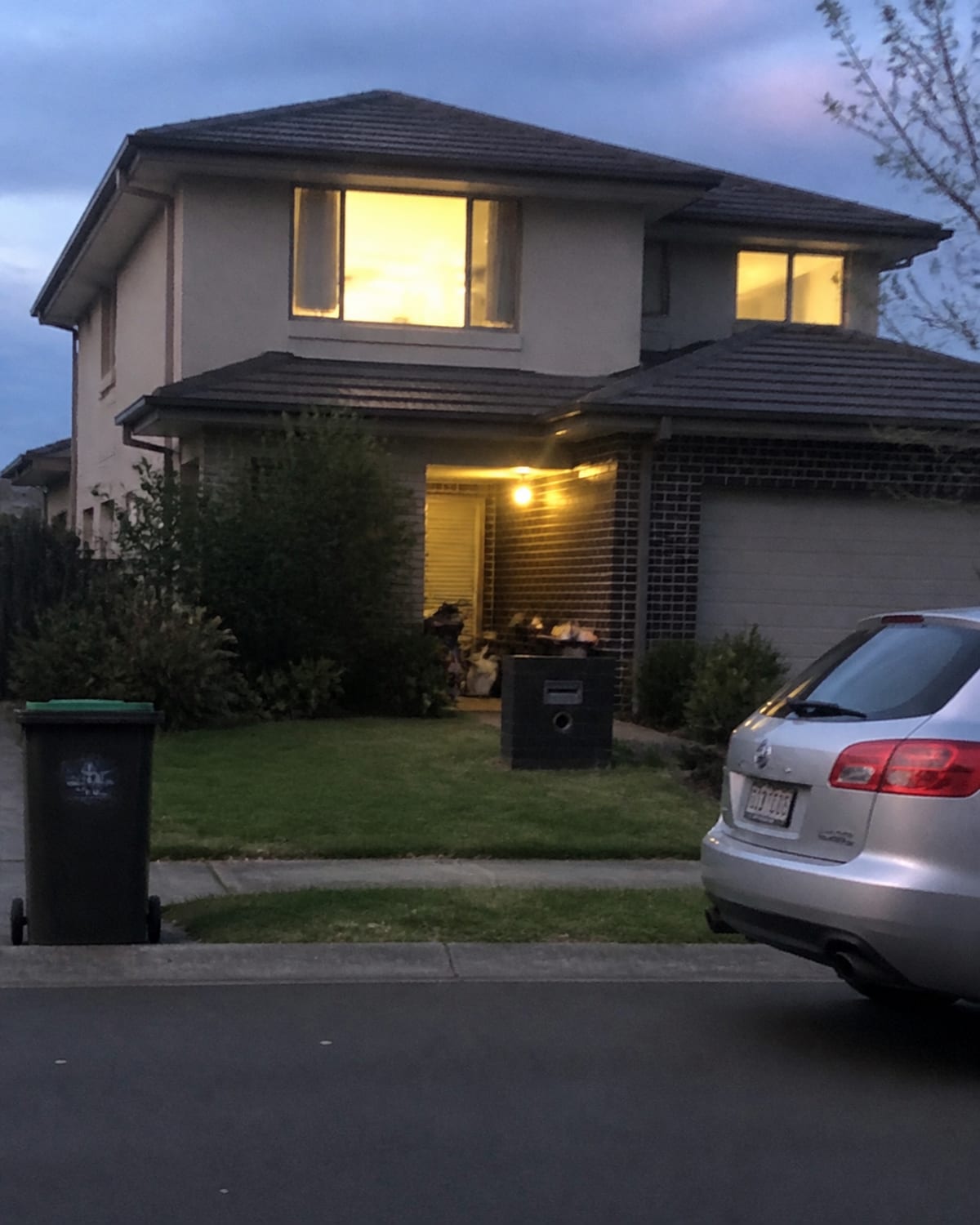 Before
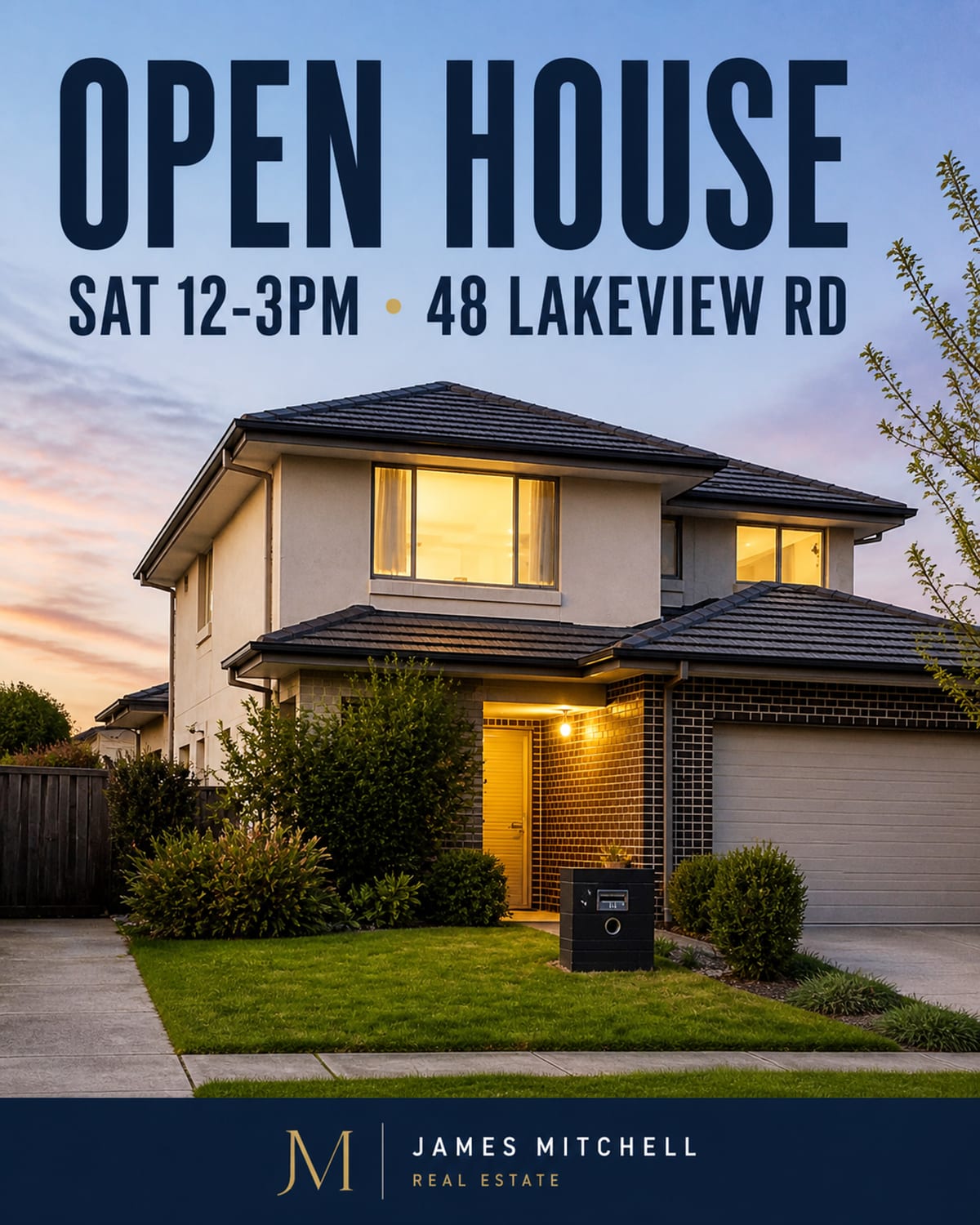 After
AfterExact type
Layouts that survive the print shop
Flyers, posters and spreads render as precise layouts — the address, the open-house date, the price and your credit come out exactly as written, never approximated by an image model.
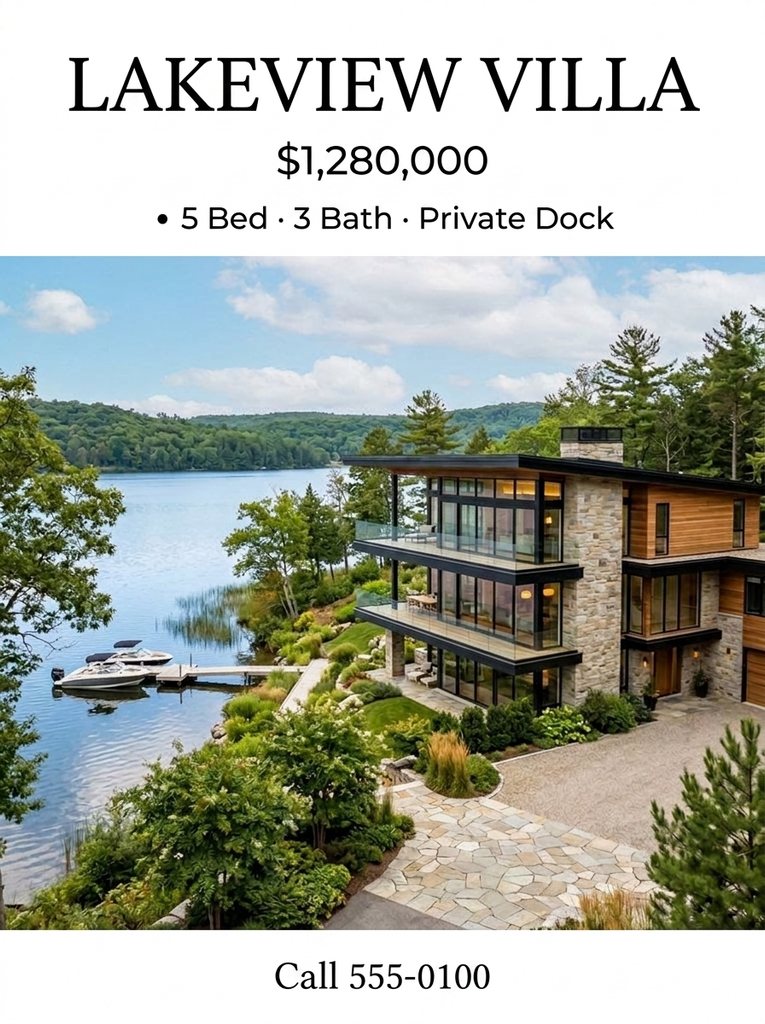
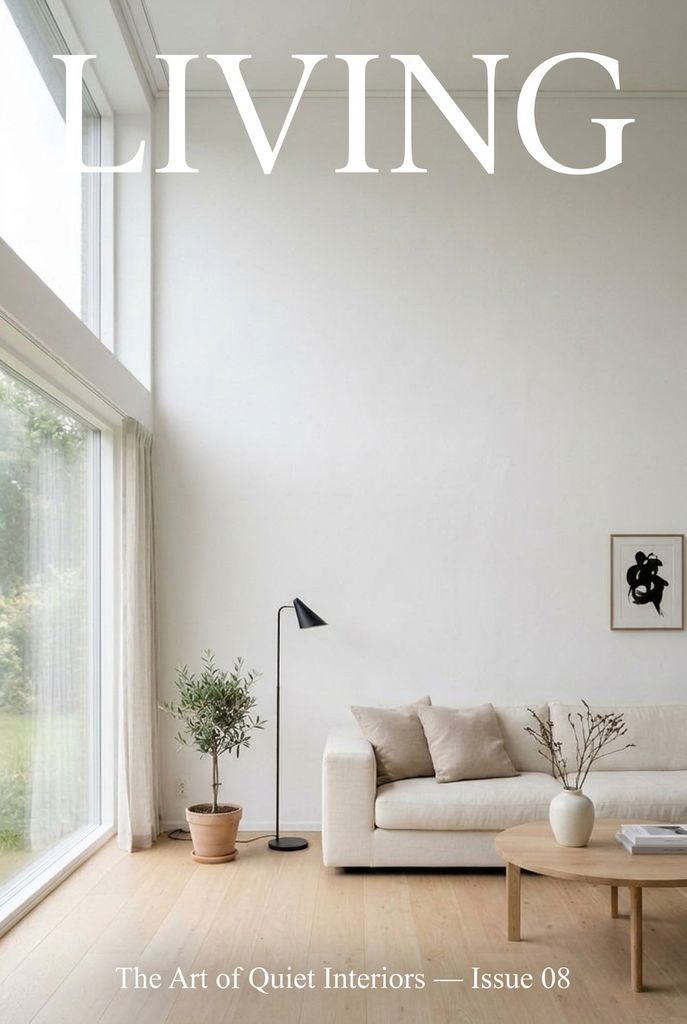
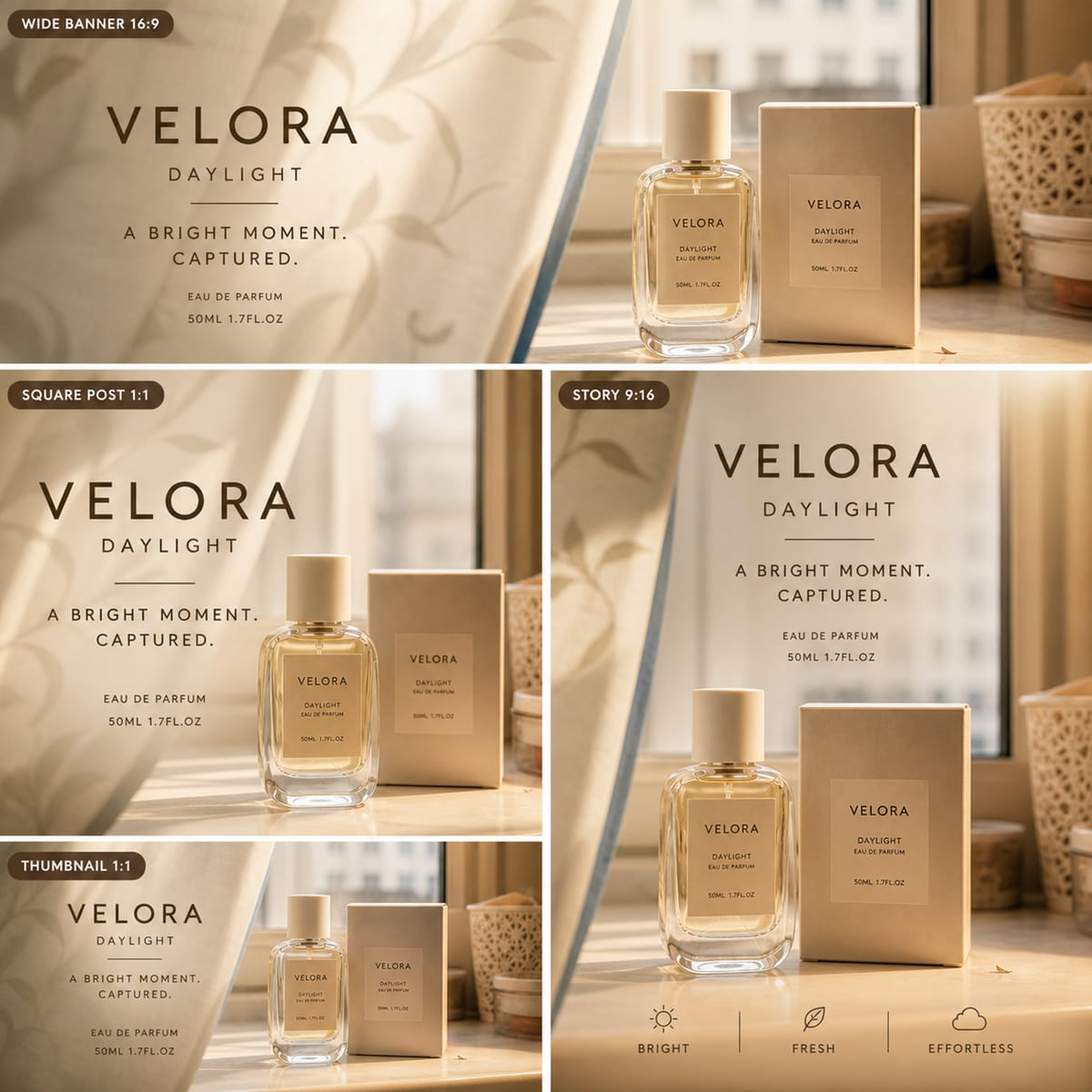
Social sets
Posts sized for every platform
One design, adapted across feed, story and cover formats — the set ships consistent, sized per platform instead of hand-resized after the fact.

Presenter video
A spokesperson for the listing
Short videos round out the kit — including presenter-style videos that deliver a spoken script, ready for the listing page or social.

How it works
One conversation, the whole kit
- Step 1
Drop in the listing photos
The photos you already have are the raw material — no templates to fill in.
- Step 2
Ask for the set
Posters, social sizes, a flyer, a video — the agent saves a delivery brief of the full set before it starts.
- Step 3
Get the reviewed delivery
The agent reviews its own delivery against the brief, and credits for any failed generation are refunded automatically.
Purpose-built apps
Nine apps behind the agent
Content Studio carries the marketing work; Pro Shot, HDR, Virtual Staging, Skybox, Refresh, Declutter, Virtual Tour and Showroom cover the photos themselves.
- Polish photo
- Stage room
- Relight exterior
- Clean up scene
- Build walkthrough
- Relight drone video
- Swap finishes
- Merge exposures
- Draw floor plan
- Create presenter
Frequently asked questions
What can Enverse produce for a listing?
From the listing photos it can build the marketing set around them: open-house posters, flyers, magazine-style spreads, social posts and short videos. Ask for the set in one conversation and the Visual Agent plans and delivers it as a batch.
Will the address and date come out exactly right?
Yes. Posters and flyers are rendered as precise layouts, not painted by an image model — addresses, dates, prices and agent credits come out pixel-exact, exactly as written.
Can it adapt one design to different platforms?
Yes. One design can be adapted across platform formats — feed, story and cover sizes — so the set ships consistent instead of hand-resized.
Can it make a video for the listing?
Yes. Short videos are part of the toolset, including presenter-style videos with a spoken script, alongside photo-based motion for social.
How do I know the whole set actually got delivered?
Before starting, the Visual Agent saves a delivery brief listing what it will produce; after delivering, it runs an automatic delivery review against that brief. Credits from failed generations are refunded automatically.
What does it cost?
Plans are sized by monthly credits: Basic is $0 with 100 credits, Plus is $20 for 1,500, Pro is $100 for 9,000, Max is $200 for 20,000, and Ultra is $1,000 for 100,000. Top-up packs run from $5 to $1,000.