Enverse for real estate photographers
Shoot the homes.
Let the edits run themselves.
HDR blending, pro-grade enhancement and batch editing across the whole shoot — driven by a Visual Agent that takes one instruction and applies it to every frame.
100 free credits every month · No credit card required
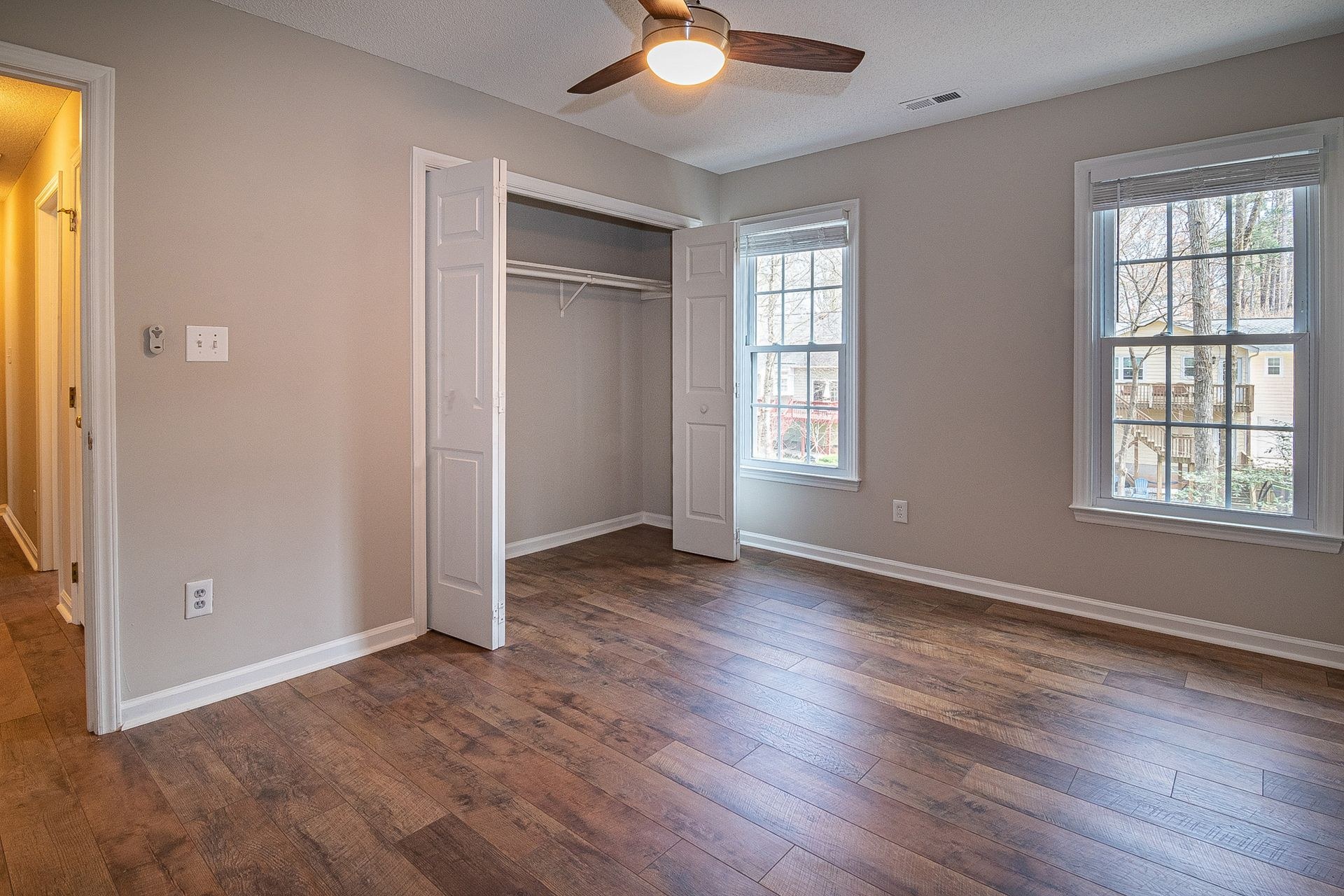 Before
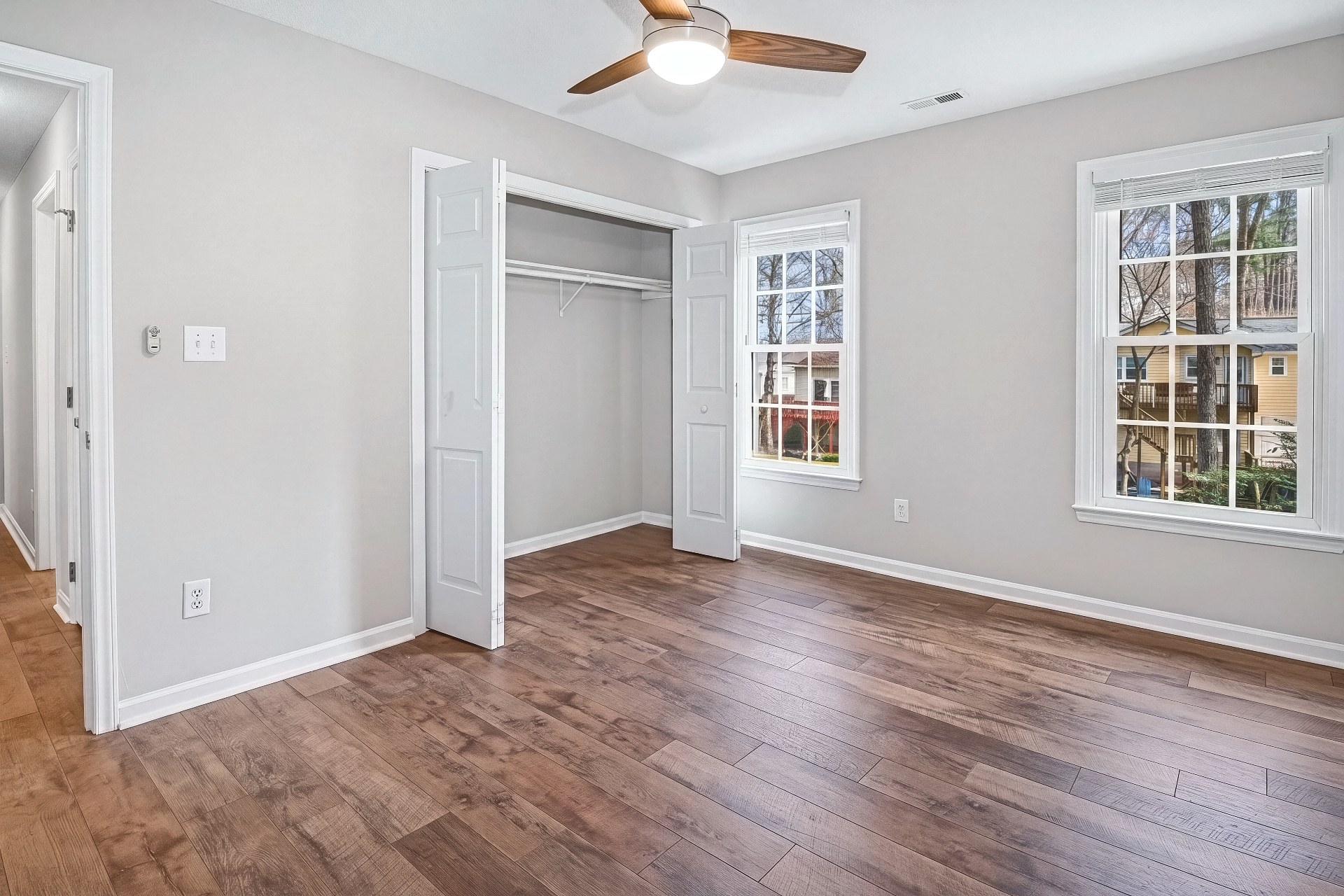 After
AfterHDR
Bracketed exposures, blended clean
Upload the bracket and get back a balanced, natural HDR — windows recovered, interiors true to color. The staple deliverable of every listing shoot, without the manual merge.
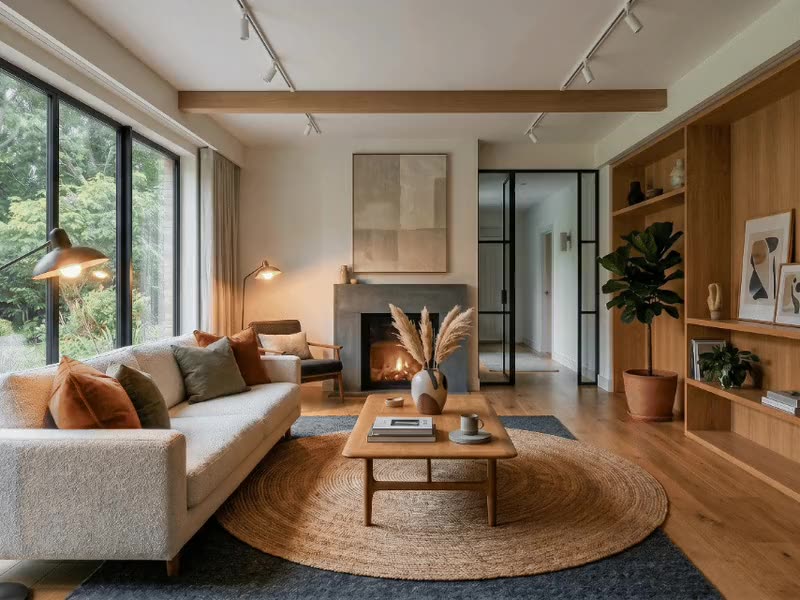
Pro Shot
Single frames, made professional
When there is no bracket — a phone shot from the agent, one rushed frame — Pro Shot recovers the windows, straightens the walls and finishes the color so it sits next to your best work.
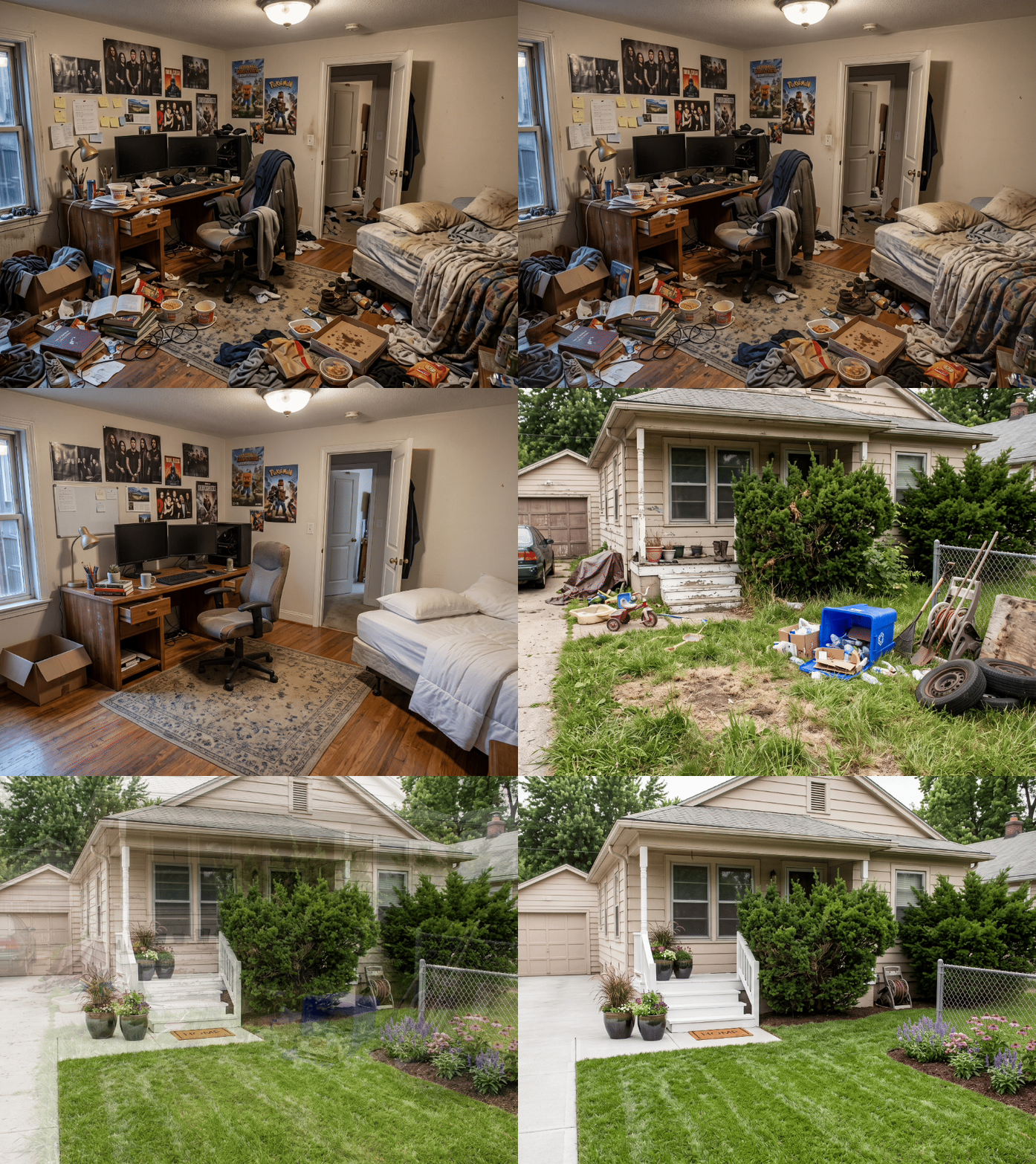
- Declutter clears the mess a seller left in the frame
- Refresh fixes lawns and pools before the exterior set goes out
- Skybox delivers the twilight version without a second visit
Batch editing
One instruction. The whole shoot.
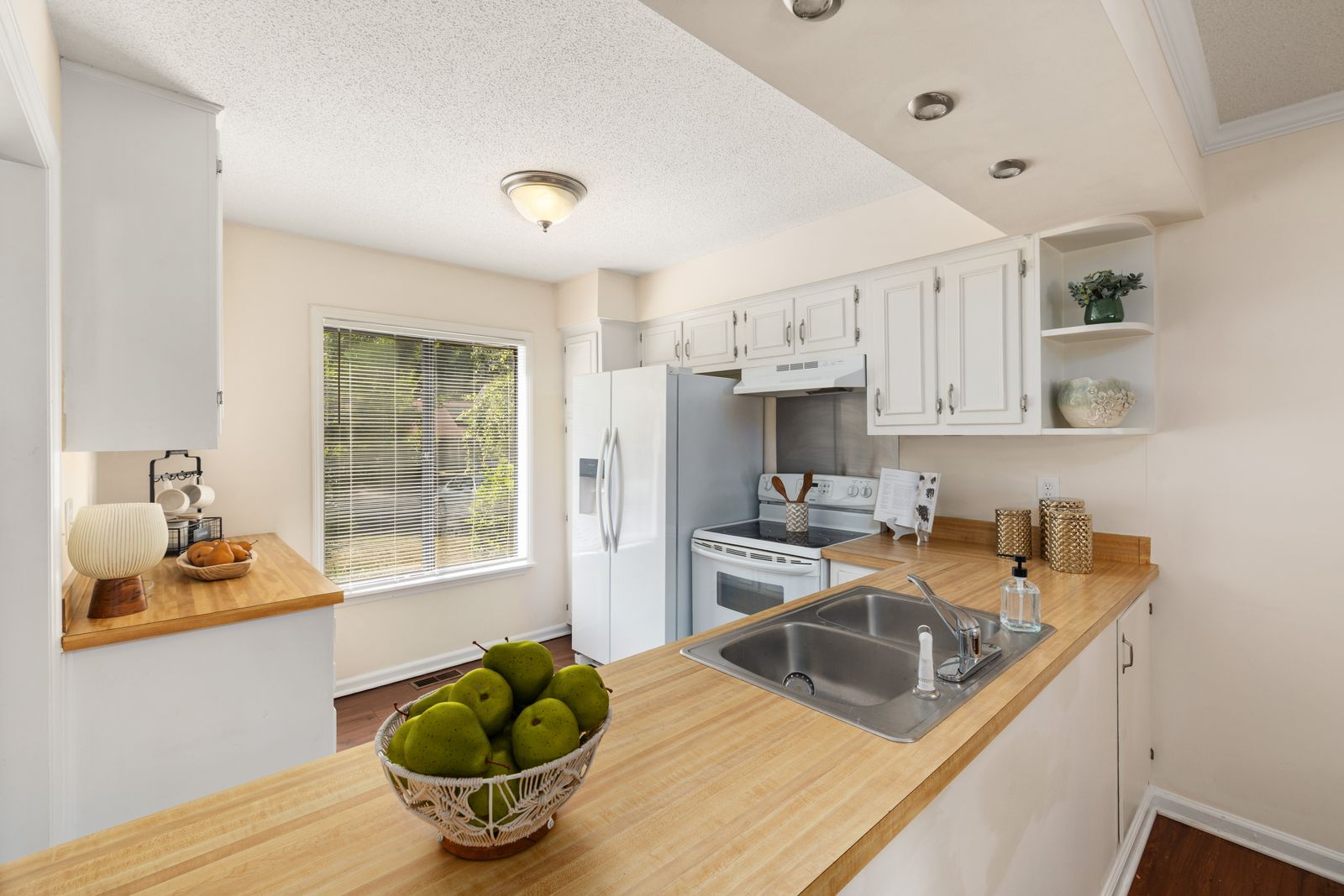
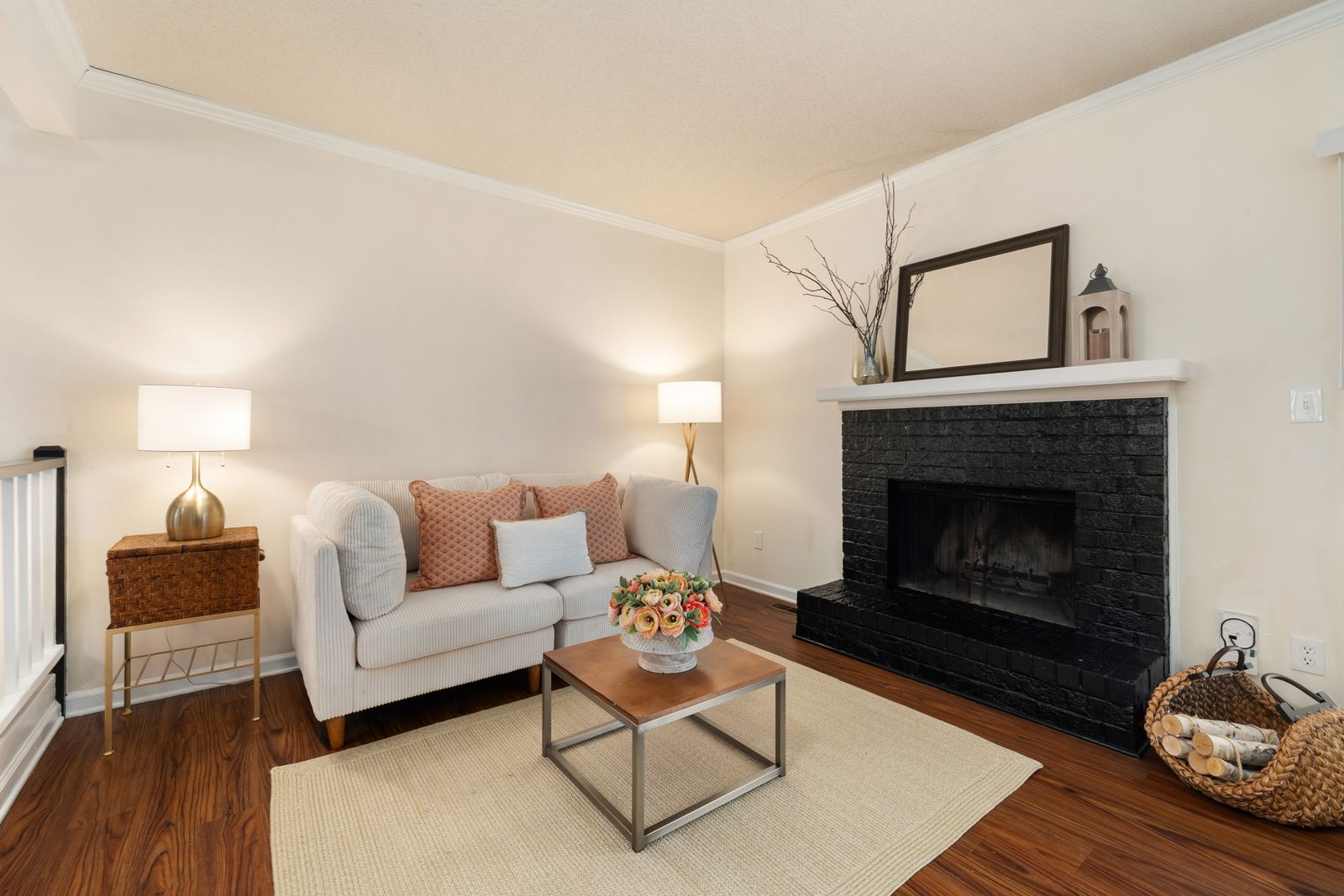
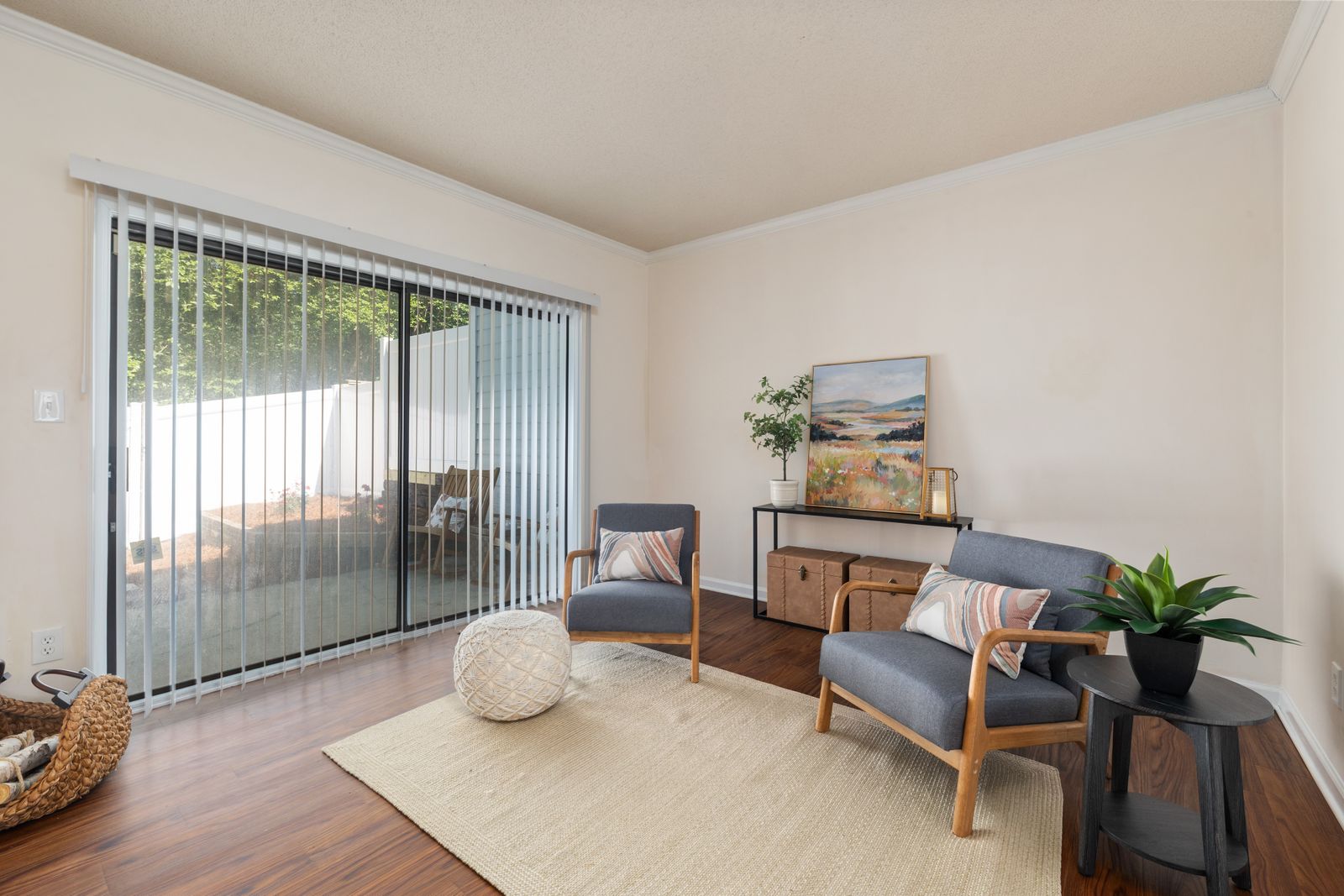
Tell the agent once — the look, the fix, the format — and it carries the instruction across every photo in the set. Consistency is the deliverable clients actually notice.
Deliverables
Type that survives the print shop
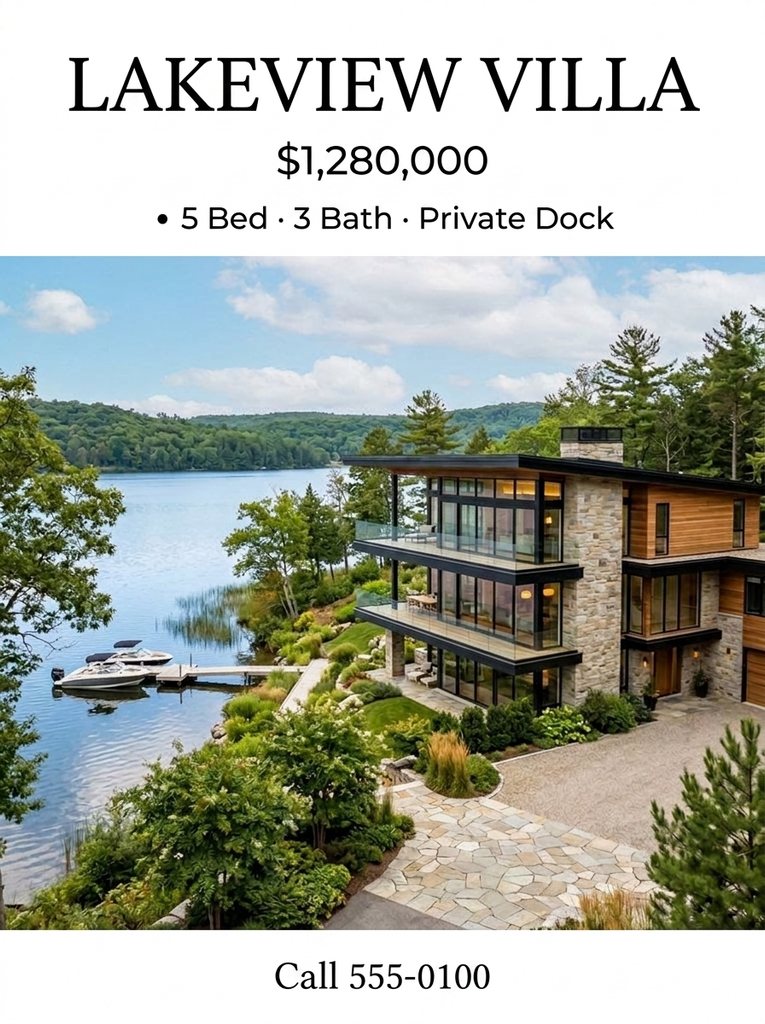
Flyers, posters and spreads render text with pixel-level precision — addresses, open-house dates and your studio credit come out exactly as written. Deliver the marketing, not just the photos.
How it works
From card to client, in one conversation
- Step 1
Upload the shoot
Drop the photos — brackets, singles or the whole card — onto the canvas.
- Step 2
Say what you want
One instruction covers the set. The agent saves a delivery brief before it starts, so you see what it is about to do.
- Step 3
Review the delivery
The agent runs its own delivery review after the work lands, and credits for any failed generation are refunded automatically.
Purpose-built apps
Nine apps behind the agent
Routine jobs go straight to the app made for them; the agent orchestrates the rest.
- Polish photo
- Stage room
- Relight exterior
- Clean up scene
- Build walkthrough
- Relight drone video
- Swap finishes
- Merge exposures
- Draw floor plan
- Create presenter
Frequently asked questions
Can Enverse blend bracketed exposures into HDR?
Yes. HDR is a built-in app: feed it a bracketed set and it blends the exposures into a clean, natural result — the staple deliverable of real estate photography without the manual merge.
Can I edit an entire shoot at once?
Yes. Batch editing is built into the Visual Agent: one instruction — a consistent look, a fix, a format — is applied across every photo in the set instead of file by file.
What is Pro Shot?
Pro Shot takes one ordinary photo — even a phone photo — and makes it look professionally shot and listing-ready. It is one of the purpose-built apps in the workspace, alongside HDR+, Virtual Staging, Skybox, Refresh, Virtual Touring, Showroom, 3D Studio, Presenters and Falcon.
How does the Visual Agent handle a delivery?
Before doing the work it saves a delivery brief of what it is about to produce, and after delivering it runs an automatic delivery review of its own output. It has one mode with a three-way switch: Auto by default for everyday work, Flash for the fastest, lightest turns, and Thinking for the multi-agent formation and a judge on nearly every delivery.
How does pricing work for photographers with volume?
Plans are sized by monthly credits: Basic is $0 with 100 credits, Plus is $20 for 1,500, Pro is $100 for 9,000, Max is $200 for 20,000, and Ultra is $1,000 for 100,000. Top-up packs run from $5 to $1,000, and credits from failed generations are refunded automatically.
Do I need a credit card to start?
No. Sign-up asks for no card, and the free Basic plan grants 100 credits every month to test the workflow on real shoots.